Why is my Raspberry Pi not booting? LEDs are on, but no picture
Why is my Raspberry Pi not booting? LEDs are on, but no picture
The most common causes are a problem with the system media, power supply or HDMI signal negotiation; the pattern of flashes of the green ACT Diodes tells you where to look for the error. In many cases, the culprit is a corrupted system image, insufficient power supply, or early boot and video output configurations.
What the ACT LED says and what it means for start-up
The green ACT LED has a diagnostic role: its pattern of flashes corresponds to boot error codes. If the media is damaged or unreadable, you will see characteristic sequences; sometimes the diode blinks irregularly when the card is not detected. Reading the code from the ACT is the first step to diagnosis. The documentation lists, among other things, partition errors and firmware incompatibility with the board model, which are fixed by re-uploading the image or updating the bootloader.
Power supply and voltage stability of the Raspberry Pi
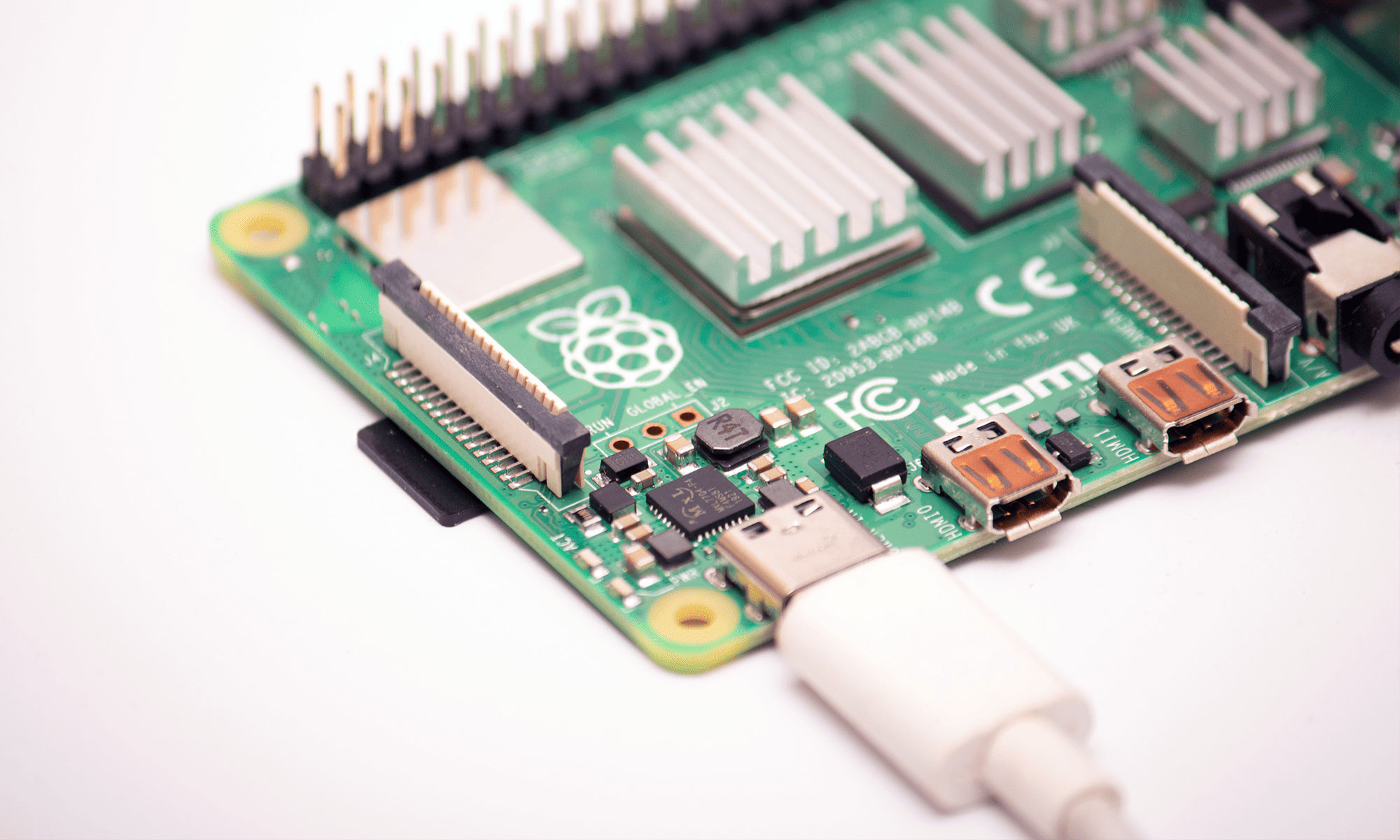
A power supply voltage that is too low (undervoltage) prevents correct start-up and is sometimes indicated by diode codes. An official 27 W (5.1 V/5 A) power supply is required for Raspberry Pi 5, and drops below ~4.64 V can trigger controller resets, hangs during video initialisation or file system corruption. In practice, this manifests itself as glowing Diodes but no image or response. Verification of the power supply and cable is a key test
System media and EEPROM bootloader
If the Diodes indicate a read error, restore the system image to a microSD or SSD card and update the EEPROM bootloader. On newer models, the boot mechanism lives in the EEPROM and it decides the order of sources (SD, USB, network). Incompatible or outdated firmware can stop the boot even before graphics initialisation, which looks like a "black screen" to the user. A bootloader update often restores the image.
HDMI, EDID and "black screen" despite system running
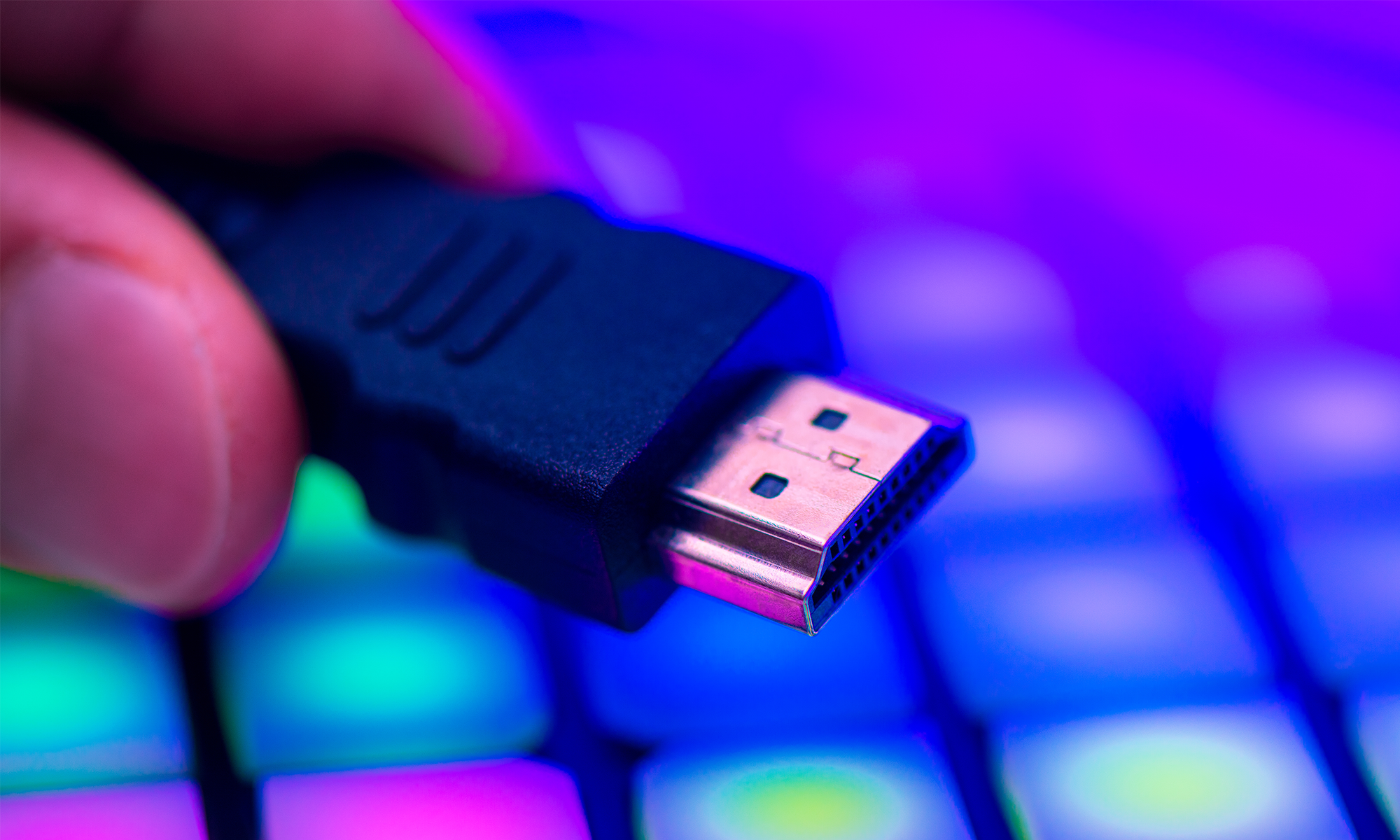
The lack of an image can only be due to the video layer. The Raspberry Pi negotiates display parameters via EDID; incompatible cables, the wrong port or a resolution out of monitor range will result in a missing signal. It is worth making sure that you are using the correct micro-HDMI connector and that the monitor supports the specified mode. Newer models offer dual micro-HDMI outputs with 4K support, but incorrect cabling or configuration can block the image until the system fully boots. If you have remote access (SSH), the system may work fine despite the black screen.
When the hardware is working, but the system does not "see" boot
There are times when the power supply and media are working, and the problem is with delayed graphics initialisation or kernel settings. Faults of this type often co-occur with other symptoms from the documentation: undervoltage, thermal throttling, incompatible accessories. It is worth excluding the power supply first, checking the integrity of the system image and only then modifying the video output configuration.
Transfer Multisort Elektronik (TME) is one of the world’s largest global distributors of electronic components, electrotechnical parts, workshop equipment, and industrial automation. The catalog includes over 1,500,000 products from 1,300 leading manufacturers. TME’s modern logistics centers in Łódź and Rzgów (Poland), with a combined area of over 40,000 m², ship nearly 6,000 packages daily to customers in more than 150 countries.
TME also invests in the development of knowledge and skills of young engineers and electronics enthusiasts through the TME Education project, and supports the tech community by organizing the TechMasterEvent series, promoting innovation and experience exchange.