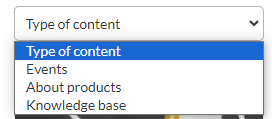
- Select the content type (events, product information, knowledge base) from the drop-down list located at the top.
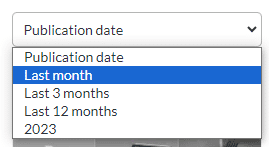
- Select the publication time frame you’re interested in. By default, content is displayed in chronological order.
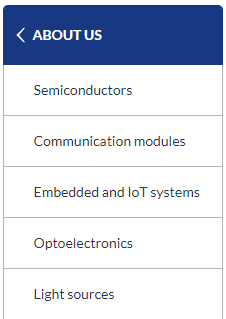
- To narrow down the content list, you can also select the product group you’re interested in, in the “Product information” category available in the side menu.
- To download a text document, click on the Text button. If you want to download images, click on the Image button.
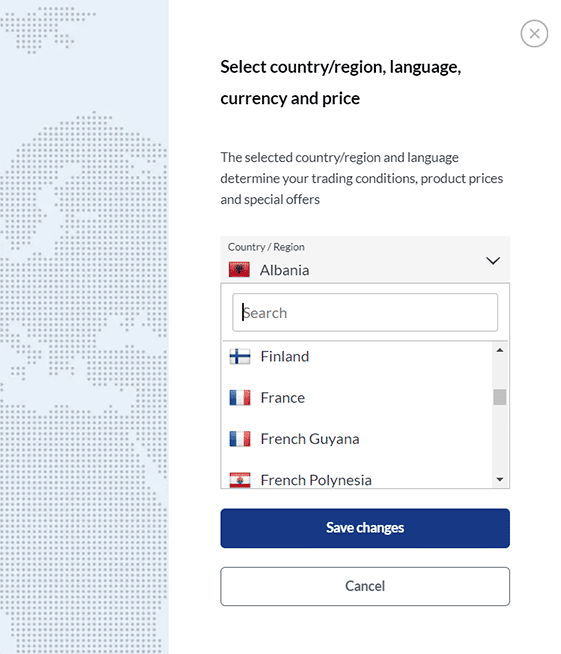
- If you’d also like to download the text in another language, you can use the drop-down list of available countries and languages located in the top right corner of the page.

Select the country and the desired language, then download the content.*
- To view the text, click on the article and go to the reading page before downloading the content. At the bottom of the page, undern the text, there are buttons with which you can download the content.

- Unzip the downloaded files and share the content.
- When publishing content, remember to cite TME as the source and add the original link at the end of the text.

*Please note that not all texts are available in every language. The availability may vary between countries.
If you experience any problems with downloading content or selecting the desired language version, you can always count on us.Don’t hesitate, just contact us: [email protected].