How do I fix a Raspberry Pi startup problem?
How do I fix a Raspberry Pi startup problem?
To fix the Raspberry Pi's boot problem, the first thing to do is to check the Memory Cards, the power supply and observe the diagnostic signals, in particular the behaviour of the green ACT Diodes. This allows you to identify the cause and take the appropriate corrective steps.
Raspberry Pi start-up diagnostics - where to start?
The Raspberry Pi, like any computer, needs a properly functioning operating system, storage media and a stable power supply. When the device fails to boot, the first step should be to observe the green ACT Diodes, which indicate reading data from the microSD card. A lack of flashes or a repeated pattern of flashes is a direct diagnostic clue. For example, 4 long flashes and 4 short flashes indicate an incompatible system - the boot files are not compatible with a particular Raspberry Pi model. Conversely, no blinking or fast, irregular flashes may indicate a problem with the microSD card, e.g. a corrupted card or an incorrectly recorded system image.
Memory Cards and operating system
The most common cause of boot problems is a corrupted or poorly prepared microSD card. The Raspberry Pi system does not have a built-in BIOS, but relies on so-called boot firmware stored in EEPROM and boot files on the card. If any of these are incorrect, the boot process will stop. To fix this, you need to prepare a new Memory Cards with the latest Raspberry Pi OS. The best way to do this is with the official Raspberry Pi Imager Tool, available for Windows, macOS and Linux. Once the system has been recorded, the card should be correctly ejected from the computer and inserted into the Raspberry Pi.
Power supply - a silent cause of problems
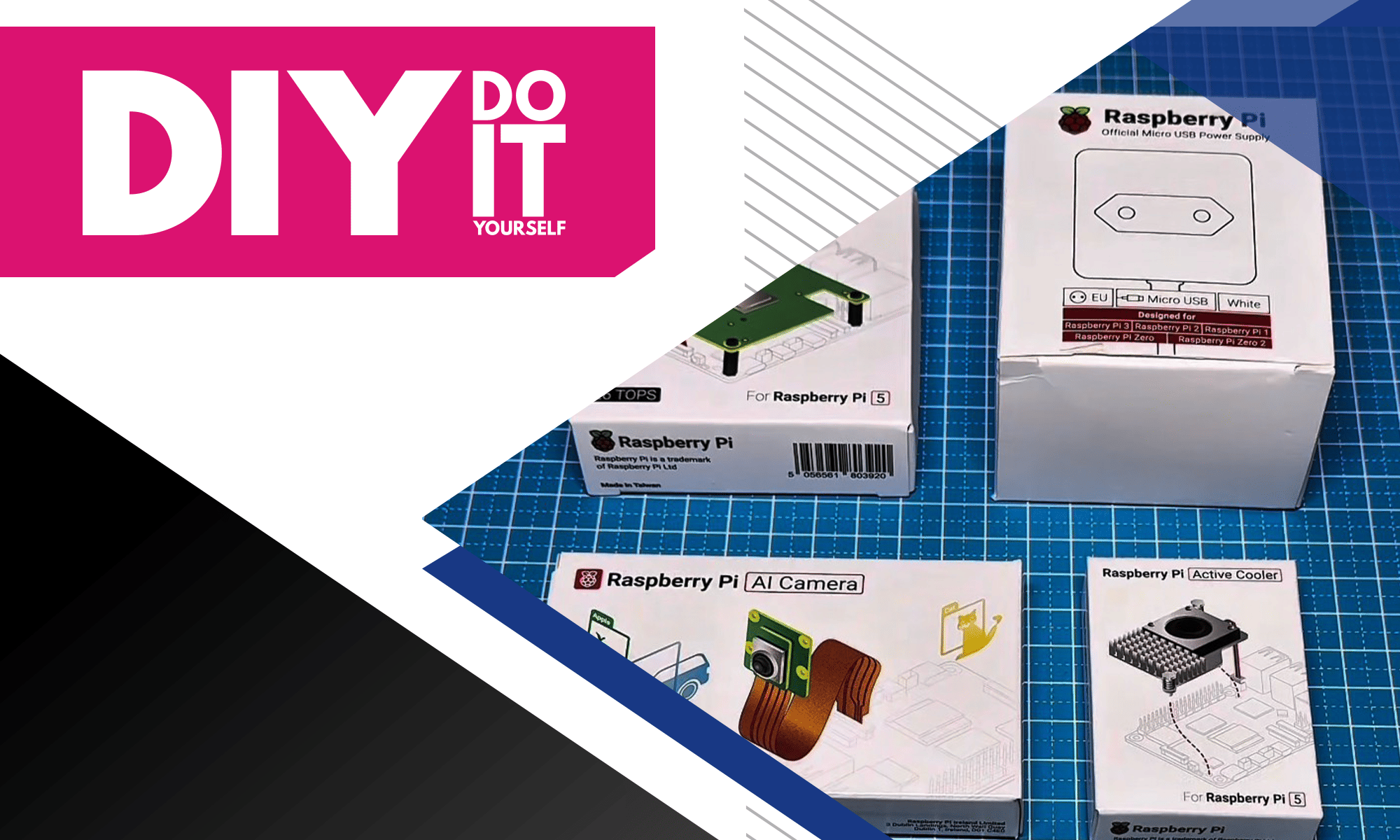
The second common cause is insufficient power supply. The Raspberry Pi 5 requires a 27 W (5.1 V / 5 A) Power Supplies, and using a weaker Chargers can cause so-called "undervoltage". undervoltage, i.e. a voltage drop below the threshold for safe operation. In such cases, the Raspberry Pi may not start at all or may stop at the port initialisation stage. To be safe, it is advisable to use an official power supply and avoid USB hubs, which can interfere with voltage stability.
EEPROM and boot recovery
If the problem lies deeper, e.g. in a corrupted EEPROM, the Raspberry Pi allows bootloader recovery. To do this, download a special repair image from the manufacturer's website, burn it to a clean SD card and boot the device with the card inserted. The system should automatically restore the factory boot settings. The Raspberry Pi also indicates EEPROM problems by no flashing of the ACT Diodes or a steady light, indicating that the device has not found any boot data.
Transfer Multisort Elektronik (TME) is one of the world’s largest global distributors of electronic components, electrotechnical parts, workshop equipment, and industrial automation. The catalog includes over 1,500,000 products from 1,300 leading manufacturers. TME’s modern logistics centers in Łódź and Rzgów (Poland), with a combined area of over 40,000 m², ship nearly 6,000 packages daily to customers in more than 150 countries.
TME also invests in the development of knowledge and skills of young engineers and electronics enthusiasts through the TME Education project, and supports the tech community by organizing the TechMasterEvent series, promoting innovation and experience exchange.