Speech Recognition Project
Speech Recognition ProjectDate of publication: 04-10-2024 Update date: 10-04-2026 🕒 3 min read
Machine learning is a field of artificial intelligence that is useful not only in industrial automation but can also be a part of interesting projects for electronics enthusiasts.
Required Hardware:
- 1x Tiny Machine Learning KIT
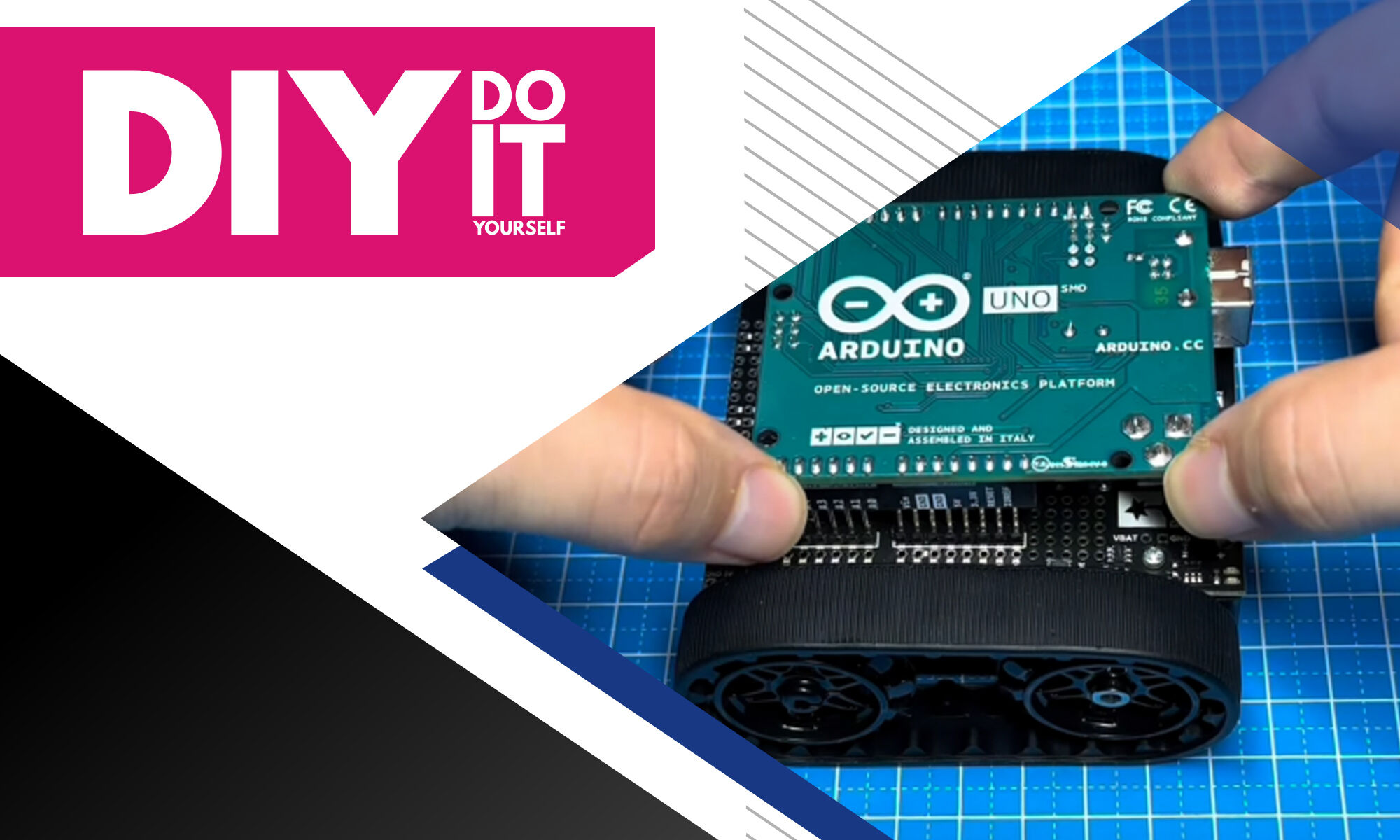
- Included: Arduino Nano 33 BLE Sense Lite
- Included: Camera Module OV7675
- Included: Tiny Machine Learning Shield
- Included: USB cable
What is TinyML?
TinyML, or Tiny Machine Learning, allows you to run machine learning models on small, simple computers like those found in Arduino boards. This means you can create Arduino projects that analyze information and make decisions autonomously, without needing a powerful computer or an internet connection.
Using a special tool called TensorFlow Lite, you can set up these smart models directly on Arduino devices, such as the Arduino Nano 33 BLE Sense. This is ideal for projects that require quick responses and data privacy, like smart home gadgets that respond to your commands or monitor the environment.
Step 1:
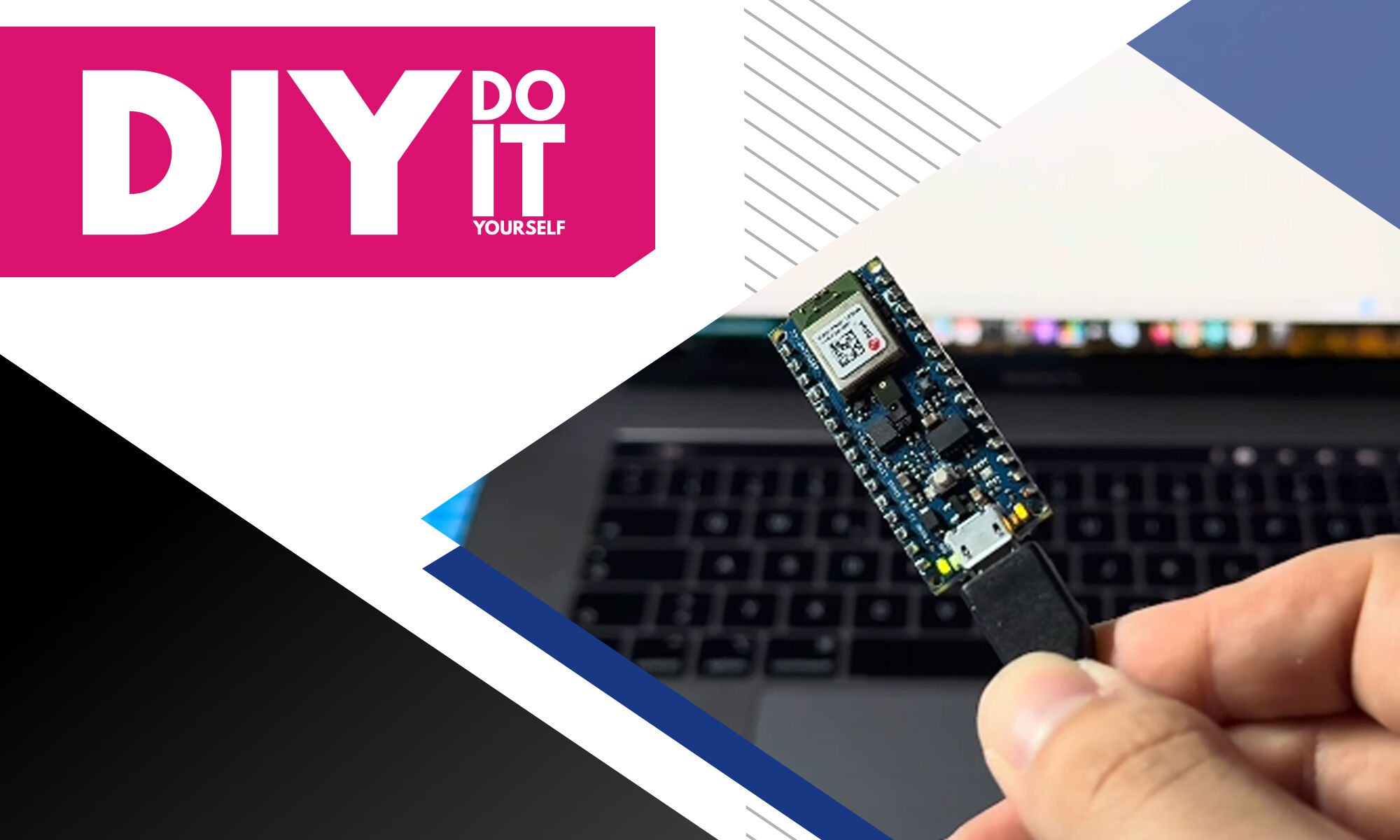
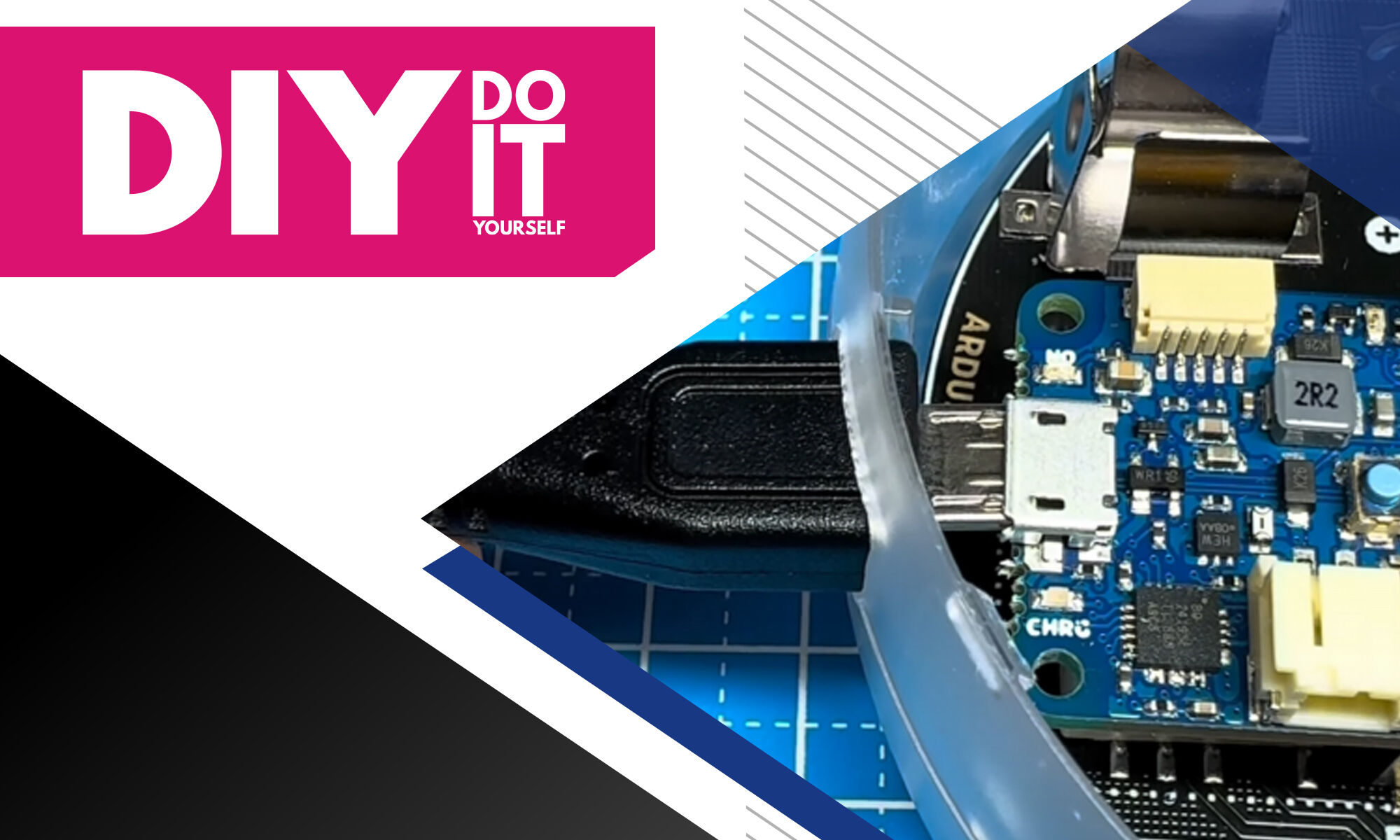
Connect the Arduino Nano 33 BLE Sense Lite to your computer using the USB cable.


Step 2:
Install the “Arduino_TensorflowLite” Library with the Library Manager. Then open the example project “micro_speech” and start the software build by clicking the compile button oin the upper left corner.

Step 3:
Upload the Code to the Arduino.
The compilation process will take longer for this project due to the machine learning components in the code.

How to Train the model?
For a TinyML voice recognition project on Arduino, first gather audio samples and label them with the spoken words or phrases. Process this audio data by filtering and normalizing it to ensure consistency. Train a machine learning model on a computer using tools like TensorFlow Lite, based on these cleaned audio samples. Finally, convert and upload the trained model to your Arduino, enabling it to recognize spoken commands in real time. However, for this project, all the training has already been done and is included in the example Project, so you do not need to train the model yourself.
Step 4:
Open the Serial Communication window in the Arduino IDE while your Arduino is connected to the PC.
Now you can test the Project by saying either “YES” or “NO”.
In the Serial Window, the Arduino will indicate which word you said aloud.
TEST-1:

TEST-2:

Transfer Multisort Elektronik (TME) is one of the world’s largest global distributors of electronic components, electrotechnical parts, workshop equipment, and industrial automation. The catalog includes over 1,500,000 products from 1,300 leading manufacturers. TME’s modern logistics centers in Łódź and Rzgów (Poland), with a combined area of over 40,000 m², ship nearly 6,000 packages daily to customers in more than 150 countries.
TME also invests in the development of knowledge and skills of young engineers and electronics enthusiasts through the TME Education project, and supports the tech community by organizing the TechMasterEvent series, promoting innovation and experience exchange.