DIY Tea-Maker Automation
DIY Tea-Maker AutomationDate of publication: 17-10-2024 Update date: 10-04-2026 🕒 5 min read
It's time to get ready for the long autumn evenings. For all fans of aromatic, hot tea, we have a project that will automate tea brewing. Save this moment and spend it on your favourite book or TV series.
The Hardware you will need:
- 1x Arduino Nano
- 1x Step Motor 5V DC
- 1x Driver for 5V DC Motor
- 1x Access to 3D-Printer (or 3D printing services)
- 1x Mini Breadboard
3D-Printing the frame
Here is the link for the STL-Files you will need in order to build this DIY machine: >LINK<
These are the four parts you need to have:


Step 1:

Mount the Mini Breadboard to the base of the Machine by removing the foil on the backside.
You can choose your own layout where you place your components, just make sure that there will be enough space for the motor.
Step 2:
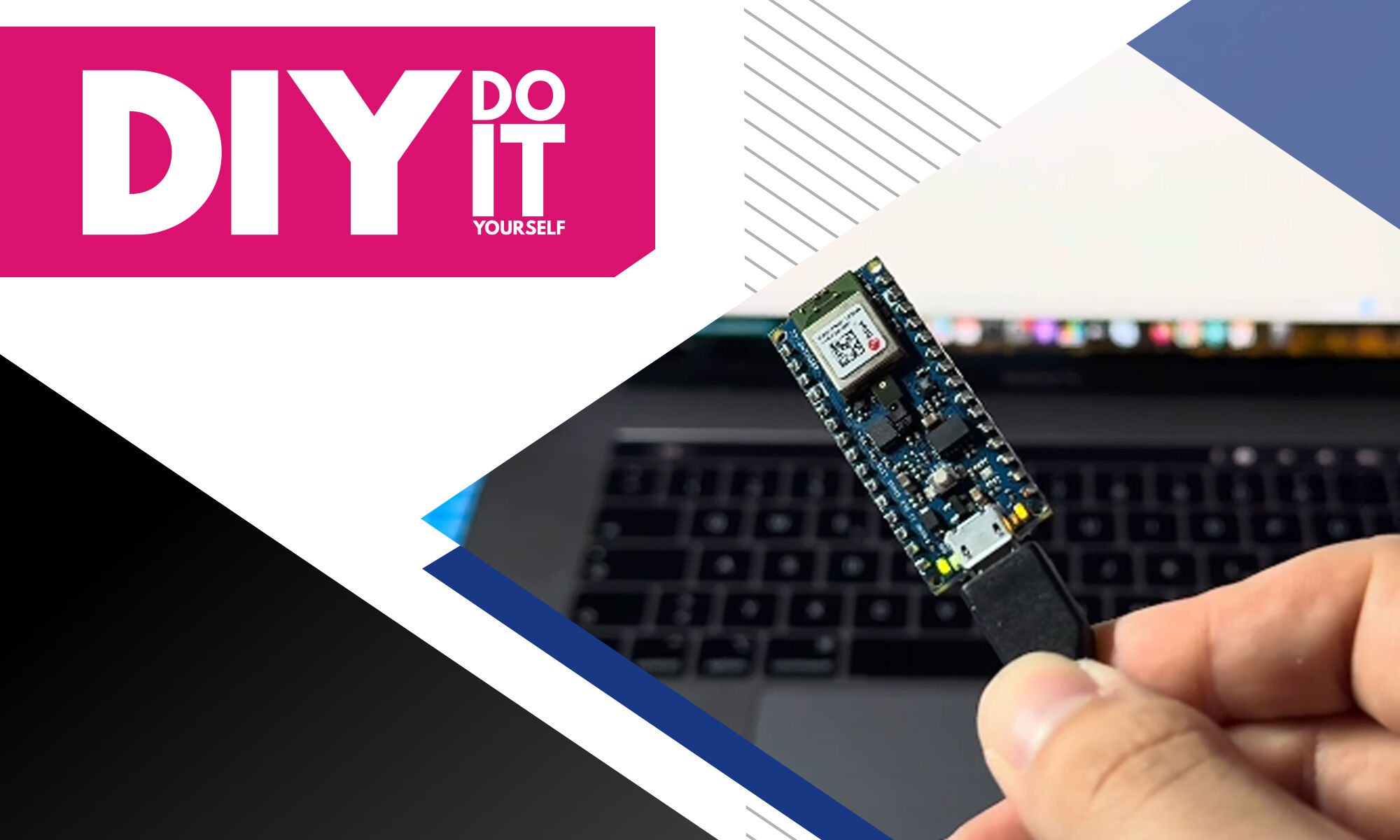
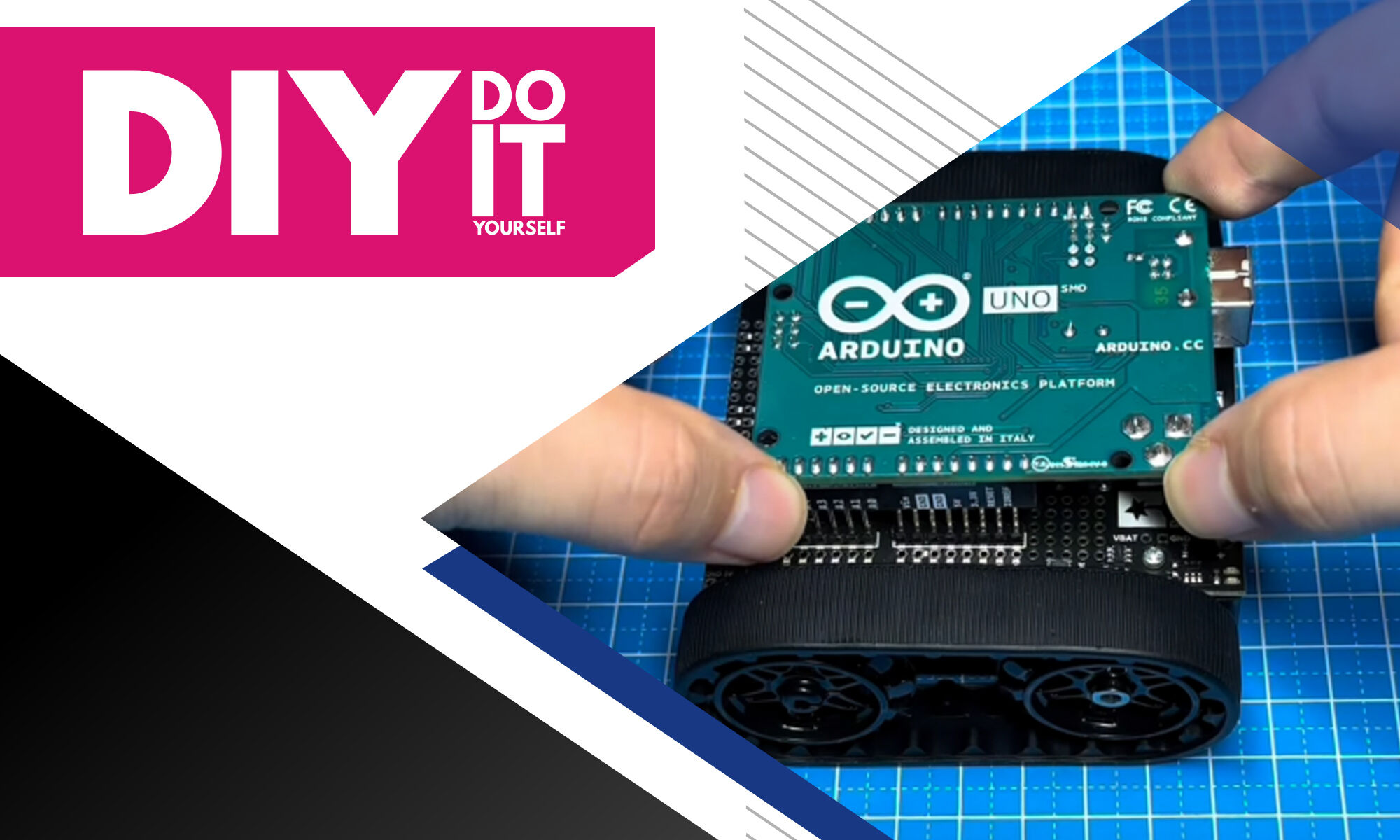
Add the Arduino Nano to the small breadboard. I am using the Arduino Nano 33 BLE Sense Lite, but a normal Nano is perfectly fine. Make sure to place the board in a direction where you can easily access the USB connector.

Step 3:

Now let's focus on the stepper motor and the motor mount. For that we need the second 3D-printed part, that you can see in the right corner of the image.
Place the 5V stepper motor onto the 3D-printed mount and fixate everything with 2 screws and 2 nuts.

Step 4:

Next you need to place the 3D-printed thread holder onto the shaft of the stepper motor and apply some pressure so it gets sturdy.
Then you have to place it onto the base part, where you have already placed the Arduino Nano. Make sure that the hole in the base plate is perfectly aligned with the thread holder.
Fixate the mount with some adhesive tape, glue or 2 small screws.

Step 5:
Get 50cm of a small thread (no restrictions here, just make sure it fits through the holes of the big 3D-printed “L”).
Attach it to the thread-holder and run the thread through the hole and the big “L”.

Step 6:

Now get the driver for the 5V DC-Motor. Place it onto the base plate in proximity to the Arduino Nano.
Connect the Motor to the Driver. Then connect the Power, Ground and the control Pins to the Arduino according to the Code.

Step 7:

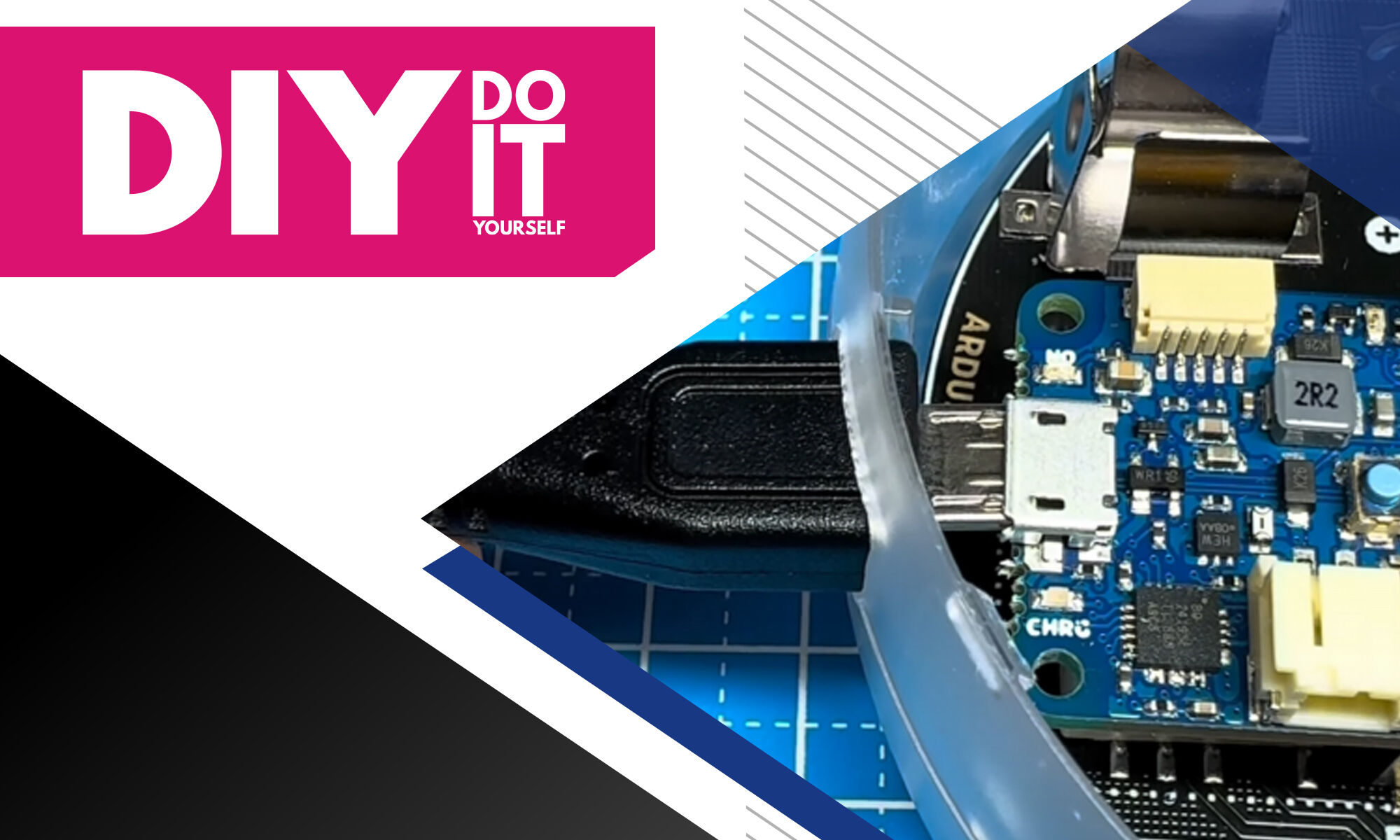
Finally attach the 3D-Printed “L” to the base plate. Then connect the Arduino Nano to your PC and upload the Code to your board. Here you can find the Code: >LINK<
Then get a small clamp and attach it to the thread.

Transfer Multisort Elektronik (TME) is one of the world’s largest global distributors of electronic components, electrotechnical parts, workshop equipment, and industrial automation. The catalog includes over 1,500,000 products from 1,300 leading manufacturers. TME’s modern logistics centers in Łódź and Rzgów (Poland), with a combined area of over 40,000 m², ship nearly 6,000 packages daily to customers in more than 150 countries.
TME also invests in the development of knowledge and skills of young engineers and electronics enthusiasts through the TME Education project, and supports the tech community by organizing the TechMasterEvent series, promoting innovation and experience exchange.