Magic Wand Machine Learning Project
Magic Wand Machine Learning ProjectDate of publication: 07-11-2024 Update date: 10-04-2026 🕒 3 min read
Are you ready for a little bit of magic?
See how to create a magic wand with the Arduino Tiny ML Kit. It's time for fun!
The Hardware you will need:
- 1x Tiny Machine Learning KIT
- Included: Arduino Nano 33 BLE Sense Lite
- Included: Camera Module OV7675
- Included: Tiny Machine Learning Shield
- Included: USB cable
Introduction
Machine Learning (ML) lets computers make decisions by learning from data. It's a part of Artificial Intelligence (AI), which involves creating smart technologies that mimic human abilities. Typically, ML requires powerful computers or internet-based services.
TinyML changes this by enabling ML to run on small devices like Arduino boards. For example, using the Arduino Nano 33 BLE Sense, you can set up ML models to perform tasks that usually need more complex systems. This is done using TensorFlow Lite, a simplified tool designed for small devices.
With TinyML, you can create smart gadgets that work quickly and keep your data private, perfect for home devices that need to respond instantly or monitor surroundings.
This approach is perfect for creating devices like a magic wand, where the Arduino detects and responds to the wand’s movements.
By programming the Arduino with ML models, your magic wand can recognize specific motion patterns and trigger magical effects accordingly. This project shows you how TinyML can bring interactive and intelligent features to simple, everyday objects.
Step 1:
Prepare your Arduino Nano 33 BLE Sense Lite by connecting it to your computer using the USB cable.

Step 2:
Head over to the Arduino IDE and open the “magic_wand” example project from the TensorFlowLite library. Select the Port your Arduino is connected to and select the correct Arduino Nano version.

Compile the Code and Upload it to your board.

Step 3:
Install the “Arduino_TensorflowLite” Library with the Library Manager. Then open the example project “micro_speech” and start the software build, by clicking the compile button on the upper left.
Step 4:

Open the serial monitor on the upper right side in the Arduino IDE and push the reset button on your Arduino
Step 5:
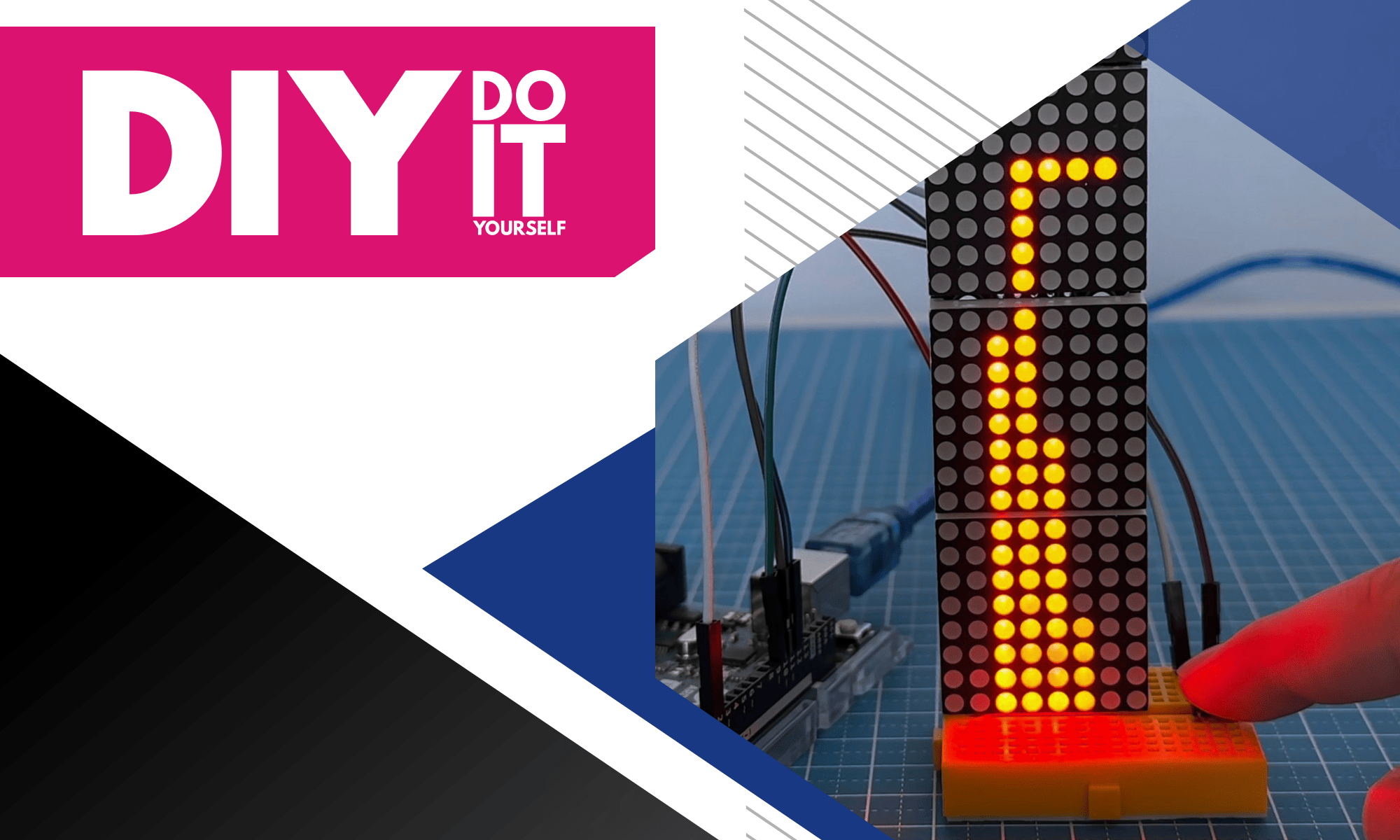
Now let's test the project. Wait until the initialisation phase is over and then wave your Arduino in the Air in some way. You should see the exact path the replicated and printed out in the serial monitor.
The data will be taken from the Gyro-Sensor inside of the Arduino and the data is being processed by the Machine Learning Software on the Arduino.

Transfer Multisort Elektronik (TME) is one of the world’s largest global distributors of electronic components, electrotechnical parts, workshop equipment, and industrial automation. The catalog includes over 1,500,000 products from 1,300 leading manufacturers. TME’s modern logistics centers in Łódź and Rzgów (Poland), with a combined area of over 40,000 m², ship nearly 6,000 packages daily to customers in more than 150 countries.
TME also invests in the development of knowledge and skills of young engineers and electronics enthusiasts through the TME Education project, and supports the tech community by organizing the TechMasterEvent series, promoting innovation and experience exchange.